

You can see the date right there on page four. The AI assistant says the document never gives one. Before you reword the question, open the PDF in a viewer and try to copy the date. What happens next tells you more about the file than a second prompt usually will.
Try to copy one line
Pick a short line you can read clearly and paste it into a plain-text editor. If your viewer cannot select individual words, the page may consist only of an image. An exported text PDF usually stores characters that a reader can select. A scanned PDF can look just as clear while storing only the pixels that show those characters. The W3C’s guidance explains why an image of text is different from text that other software can use.
If the words paste cleanly, check the line the assistant missed. One file can mix pages an AI assistant reads easily with scanned attachments it may skip. A table may give you the right words in a confusing order when you copy it. Testing the one relevant page gives you a better clue than selecting a paragraph near the front of the file.
Searchable can still be wrong
Optical character recognition, or OCR, tries to turn the picture of each word into characters. Adobe documents how it creates searchable text in an existing scan. Try searching for the line again after recognition, then compare the extracted result against the pixels. For an invented example, a printed room number B-107 can become B-IO7. You may find the wrong version in search without noticing the letter substitution on the page.
Some AI tools can also inspect the page image directly. Google’s Gemini API documentation describes visual PDF processing, and the PDF Association’s guide discusses why text extraction and OCR can disagree. The path depends on the tool. A correct answer from one assistant gives you no guarantee that another will read the same page the same way.
If the detail matters, ask for the page number and the line supporting the answer. Open the page. Compare the line, especially the digits, with the scan. Keep the original PDF so you have a stable reference if the searchable copy and the visible page disagree.
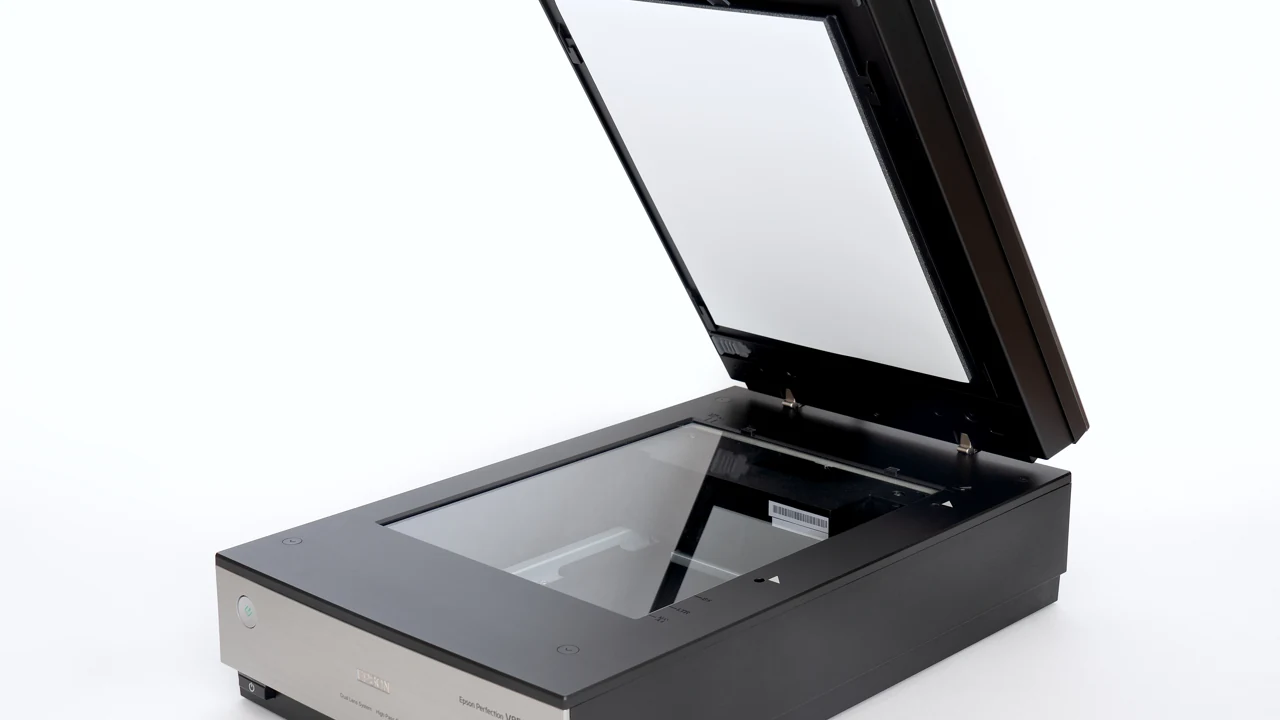
Cover photo: An open flatbed scanner. A scanned page can enter a PDF as a single image. Santeri Viinamäki · CC BY-SA 4.0. Cropped and converted to WebP.



Reader Discussion