
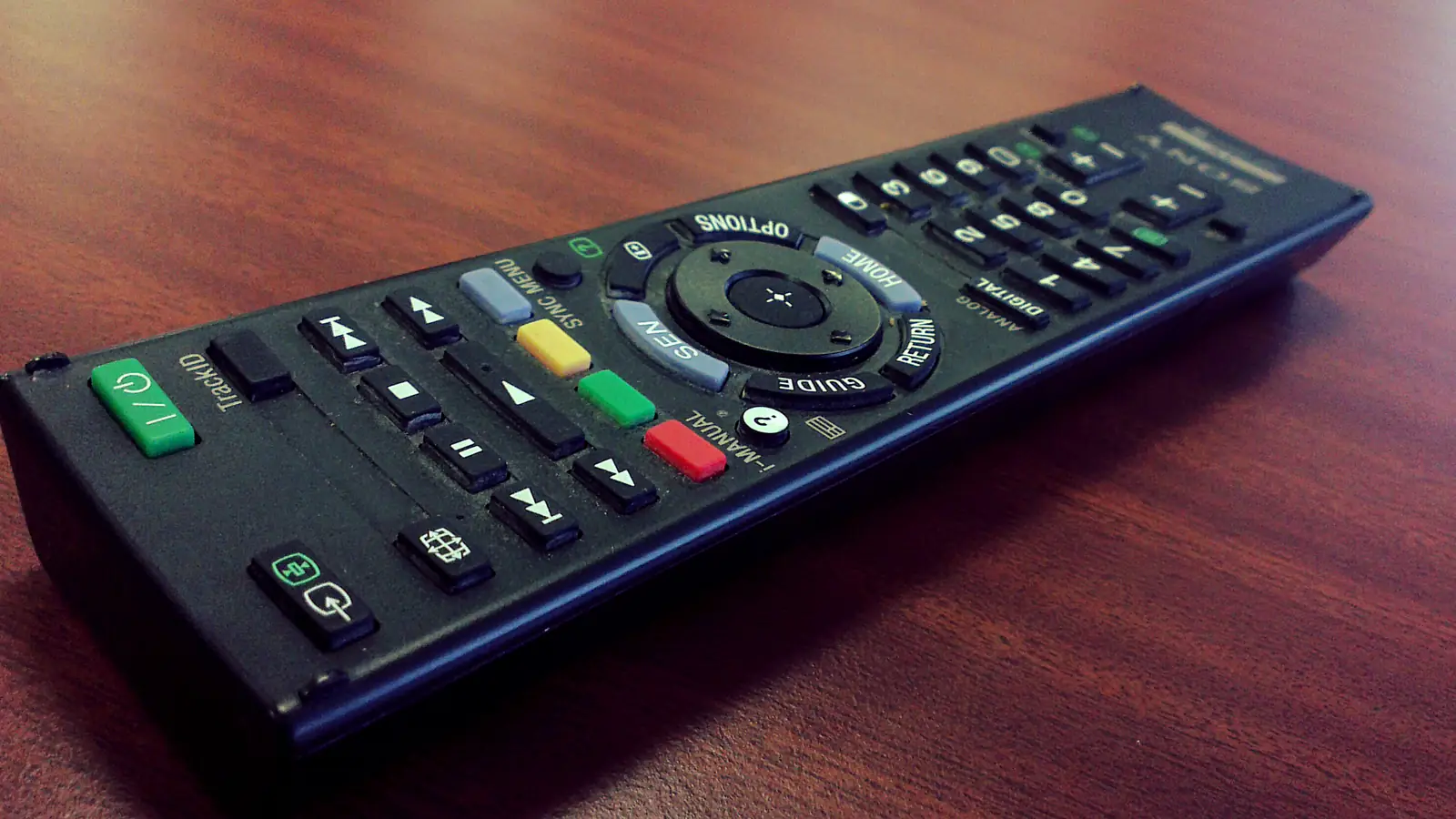
If you keep turning up quiet dialogue and then turning down loud action scenes, try the audio settings before buying a soundbar. Check the selected soundtrack, test any speech-enhancement option, and try a reduced-dynamic-range setting if the jumps in volume are the problem.
Change one thing at a time. Otherwise, it's hard to know what helped.
Start with the same short scene
Our suggested test: choose a scene you struggled to follow, note the current settings, and replay it after each change. Keep the volume at a comfortable level. Try a second programme before deciding that a setting works for everything.
This isn't a laboratory test, and we haven't tested your equipment. It's a way to compare changes without relying on a vague memory of how the television sounded last night.
Check whether the soundtrack suits the speakers
Netflix explains in its audio-settings guide that a smart TV can request a surround soundtrack and then convert it for its own speakers. It suggests trying the original-language track without the 5.1 label when that option is available.
Look in the programme's audio and subtitle menu. Keep the language you want, and compare the available version with and without surround. Don't assume that a higher-looking number is automatically the better choice for your setup.
Netflix's Apple TV troubleshooting page also includes switching the audio format to Stereo as a step for the listed sound problem.
For Apple TV 4 or 4K, that page directs you to Settings, then Video and Audio, Audio Format and Change Format. Under New Format, it recommends Dolby Digital 5.1 first, then Stereo if that does not help.
That is device-specific advice, not a reason to force every home-cinema system into stereo. If you have a separate surround setup, consult its instructions before changing the system's output format.
Speech enhancement and quieter explosions do different jobs
Apple's Apple TV audio guide describes Enhance Dialogue as making speech more prominent. It describes Reduce Loud Sounds as reducing the difference between loud and quiet sounds.
Use the distinction to choose a test. If voices seem buried, try the speech option. If quiet sections are followed by startlingly loud effects, try the volume-range option. You may prefer one, both or neither.
Apple notes that available dialogue options depend on the Apple TV model and connected audio equipment. Its stronger enhancement can alter the original audio mix.
Menu names and availability vary elsewhere too. Look up your model's manual rather than assuming a setting is missing because an online guide used a different label.
Captions aren't a defeat
Turn on captions when they make the programme easier to enjoy. You don't need to spend the evening troubleshooting to earn the right to understand a conversation.
Our recommendation: decide what you actually want to improve before spending money. Is the issue every programme, one streaming app, late-night volume or a particular soundtrack? Write that down, alongside the settings you tried.
A clearer description of the problem will make equipment advice more useful. It also helps you notice when the free adjustment already solved enough of it.
The aim isn't to win an argument about the director's mix. It's to watch the next scene without reaching for the remote again.


Reader Discussion