


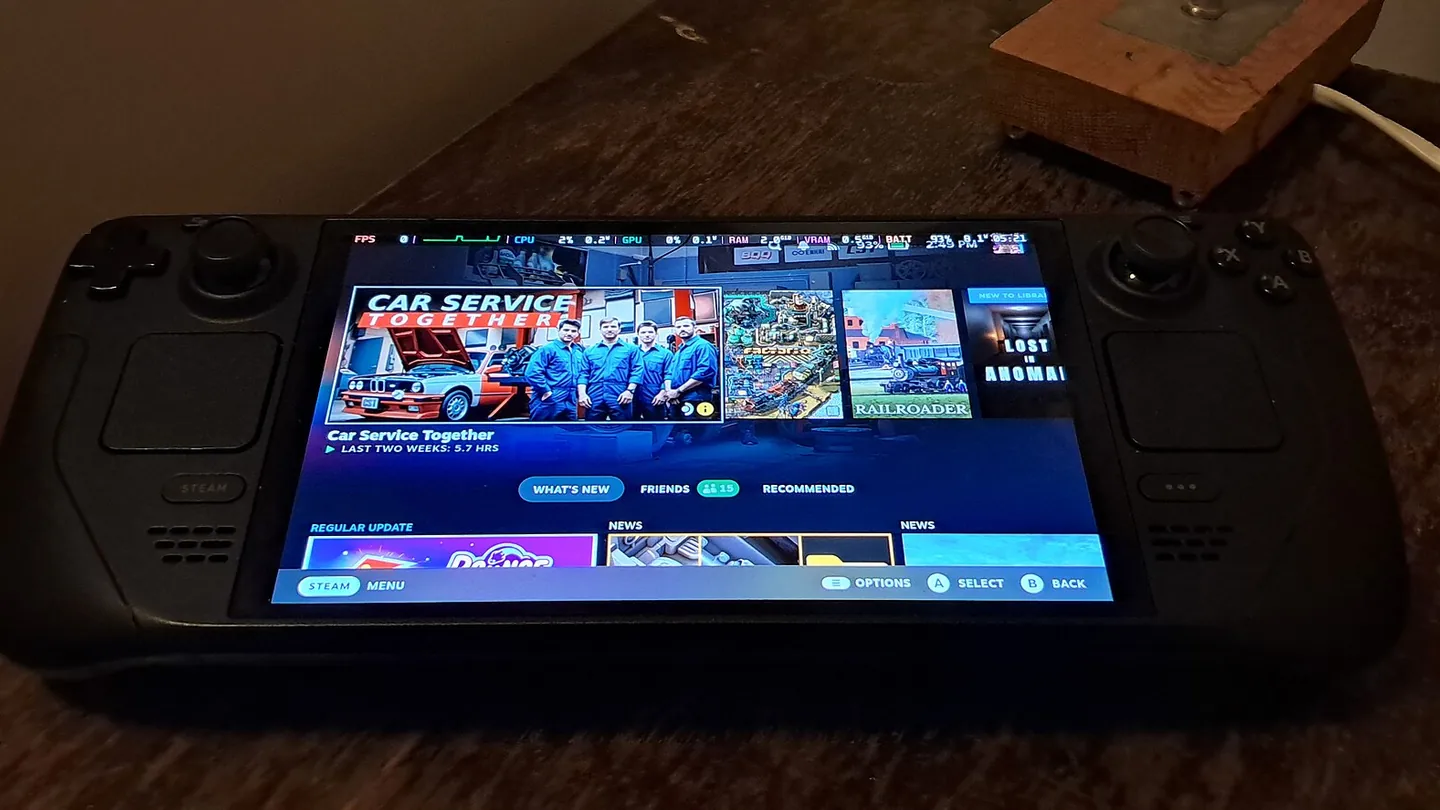
Steam Deck OLED home screen. Archive hardware photograph; the screen does not show a save-conflict dialog. SparklesTrainNerd. CC BY-SA 4.0. Cropped and converted to WebP.
You finished a long session on one machine. Now another one is asking which save to keep. Two timestamps stare back at you, and neither button says “the one where I beat that boss.”
Before resolving a Steam Cloud conflict, work out which device holds the progress you actually want. The date is a clue. Your last play session gives it meaning.
Valve normally recommends the most recently modified version, but its support guidance also says to compare the displayed dates with your behaviour and progress. That second part deserves your attention.
What the conflict is telling you
A conflict means the local files and the cloud copy differ in a way Steam cannot settle automatically. “Local” means the machine in front of you. It does not mean the copy you care about most.
The usual arrangement described in Valve’s developer documentation is for configured files to sync after a game exits and download when needed on another computer. Offline play can interrupt that neat sequence.
This is why changing devices adds a question: did the first machine finish sending its changes before the second needed them?
Rebuild the last session before choosing a direction
Ask where you last made the progress you want, whether that machine was online afterwards, and whether you played or saved on the other one in between.
Use information you already have: a remembered checkpoint, a screenshot, the time you stopped, or the game’s documented save information. Avoid launching and saving on both machines just to see what happens; you could add another change before understanding the first two.
Invented example
You played on a laptop during a journey without internet. Later, your desktop opened an earlier point in the game and saved it again. A later file timestamp on the desktop would not, by itself, prove that it contains the journey’s progress.
The example illustrates a choice between different histories. It is not a test of a particular game or a claim that Steam always selects files that way.
Upload and download point in opposite directions
In its guidance for Hob, Arc Games makes the distinction practical. Upload from the current machine when it contains the save you want to keep. Download from the cloud when that is where the desired version is.
Those directions describe where the data goes. They are not quality ratings. Downloading is not automatically safer because the word “cloud” sounds like a protected archive.
If you cannot identify the right copy, pause. Follow the game developer’s instructions for locating and preserving saves before replacing anything. Save locations, backup features and file formats differ between games.
Cloud support does not mean every file follows you
Valve allows developers to choose which files use its cloud system. A supported game may sync settings or other data as well as saves. Cross-platform behaviour also depends on the game’s implementation.
So check the specific game before treating a cloud badge as a promise about every profile, save slot or operating system. Copying an installation folder is not a universal substitute for finding the actual save files.
A recovery promise is the wrong reassurance
Both Valve and Arc warn about the limits of recovering lost saves. A support ticket may clarify the system, but it is not a dependable undo button for a version you overwrite.
After a successful session, let the game close and check that syncing has finished before moving to another device. When a conflict does appear, spend a minute identifying the play session behind the file. The progress matters more than the button’s familiar name.



Reader Discussion